Step 12: Prepare for Cleanup - LocalGov Drupal Walkthrough
Know how to delete your stack when you’re finished
Great! You've deployed the demo
Now let's walk through what you just deployed and see it in action.
Start WalkthroughChoose your next step
Generate Evidence Pack
Create your business case documentation with what you've learned.
Generate Evidence PackWalkthrough progress
Step 12 of 12 • 3 minutes
Prepare for Cleanup
Learn how to delete your CloudFormation stack and understand the costs involved.
Expected outcome
- You understand the auto-cleanup behaviour
- You know how to manually delete the stack
- You understand the costs involved
Automatic cleanup
Good news: your deployment is configured to auto-delete after 2 hours. This means:
- You do not need to remember to clean up
- No surprise AWS bills if you forget about it
- Resources are automatically removed after the demo period
When does the 2 hours start? The timer begins when the CloudFormation stack reaches CREATE_COMPLETE status. So if deployment took 15 minutes, you have roughly 1 hour 45 minutes from when you first logged in.
Using NDX:Try? If you accessed this scenario through NDX:Try, your stack will be automatically deleted at the end of your session. You do not need to do anything - just close the browser when you're finished.
Manual cleanup
If you want to delete the stack early (to stop costs immediately), follow these steps:
-
Open CloudFormation console
Go to CloudFormation console in us-east-1 (opens in new tab)
-
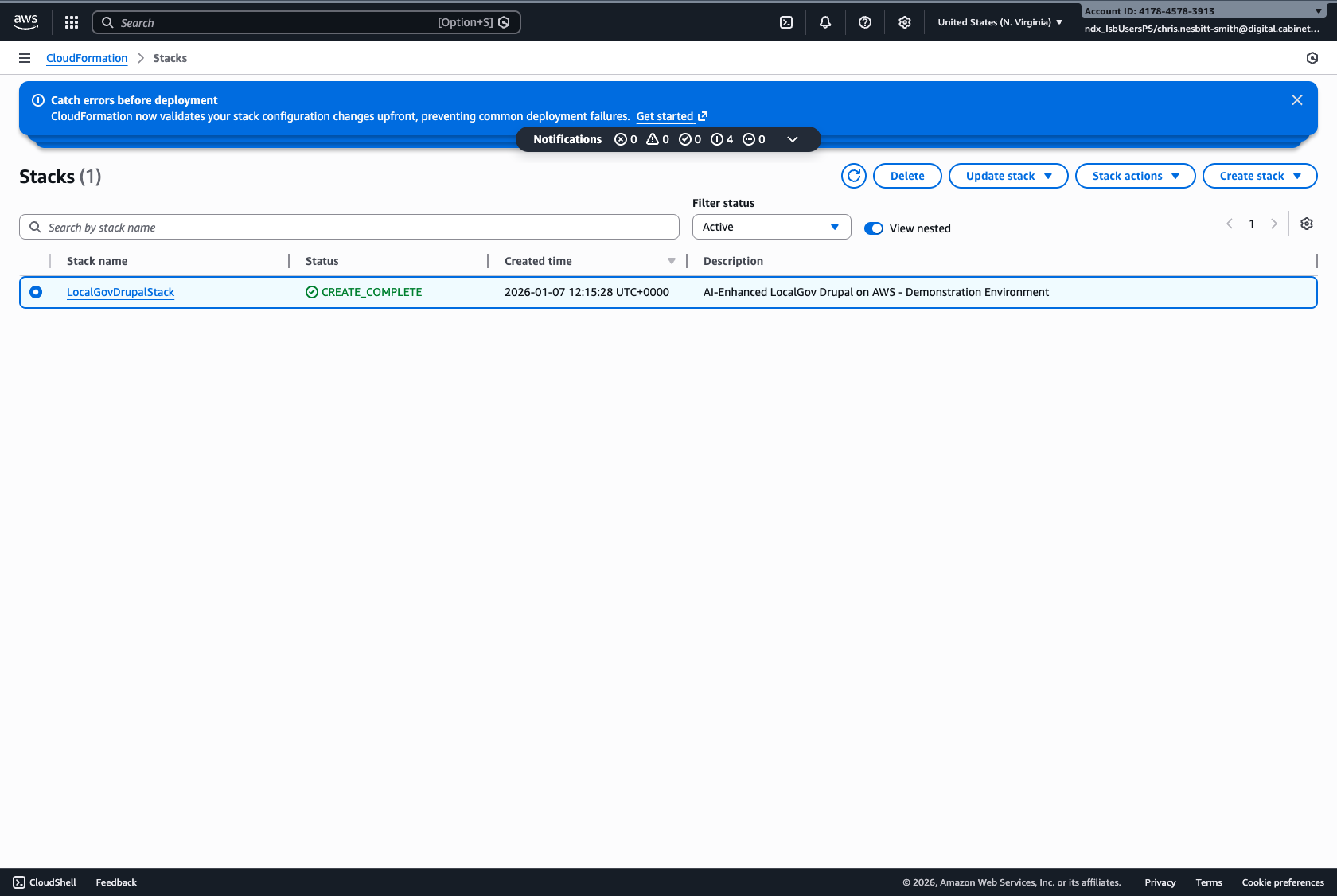
Find your stack
Look for
LocalGovDrupalStack -
Select the stack
Click the checkbox next to your stack name
-
Click "Delete"
Click the "Delete" button in the top right
-
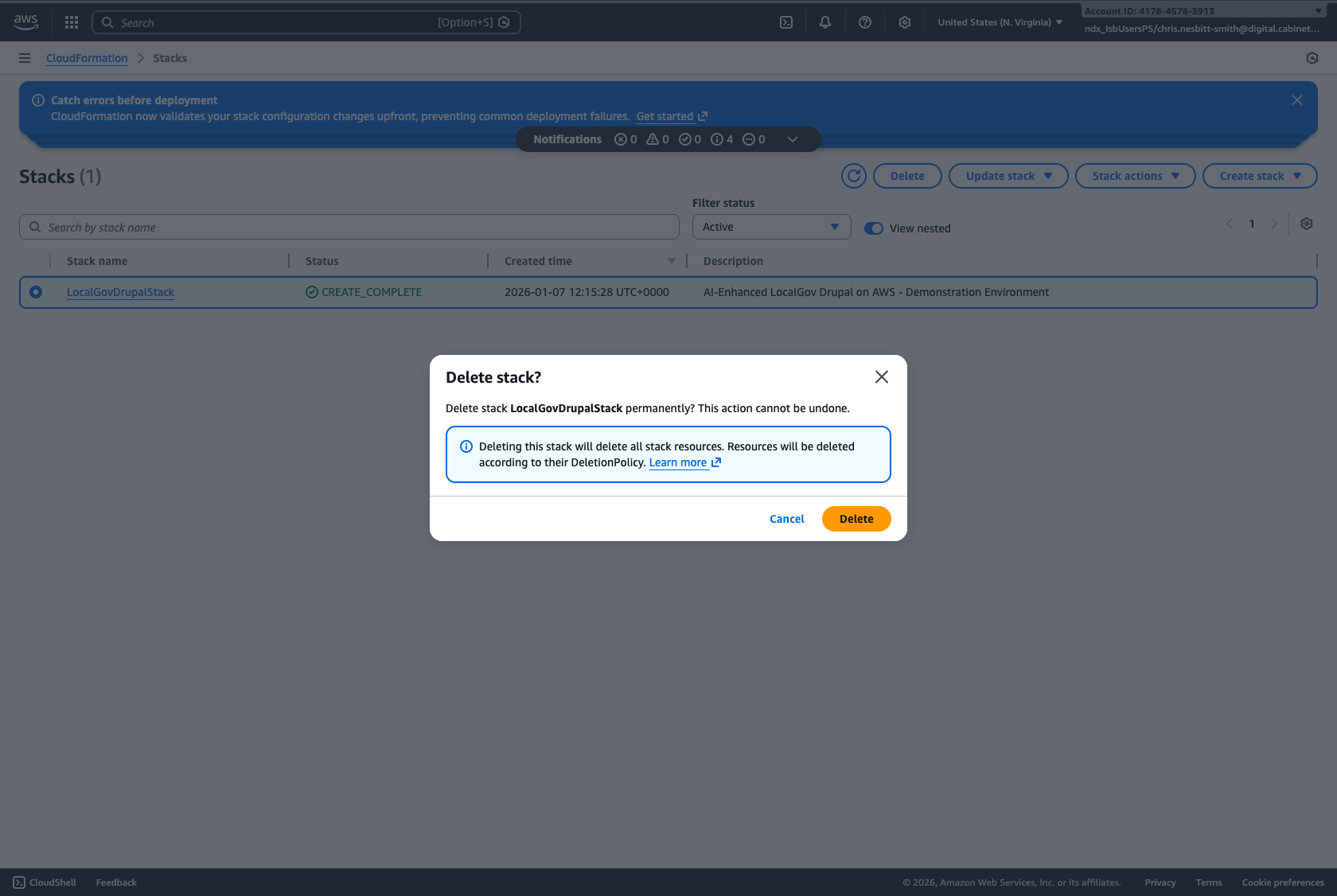
Confirm deletion
Click "Delete" in the confirmation dialog
-
Wait for deletion to complete
This typically takes 5-10 minutes. The status will change to DELETE_IN_PROGRESS, then the stack will disappear from the list.
What gets deleted?
When the stack is deleted, all resources are removed:
| Resource | What happens |
|---|---|
| Aurora database | Deleted - all data lost |
| EFS file storage | Deleted - all uploads lost |
| Fargate service | Stopped and removed |
| Load balancer | Deleted - URL no longer works |
| Security groups | Deleted |
Understanding costs
This deployment runs on NDX:Try, which means costs are covered by your organisation's agreement with NDX.
Typical cost breakdown (for reference)
| Service | Approximate cost |
|---|---|
| Aurora Serverless (2 hours) | ~$0.50 |
| Fargate (2 hours) | ~$0.30 |
| EFS storage | ~$0.10 |
| Load Balancer (2 hours) | ~$0.05 |
| Total (2 hour demo) | ~$1.00 |
This is significantly less than the cost of traditional software demos or vendor presentations, and you get hands-on experience with the actual platform.