Step 11: Translate this Page - LocalGov Drupal Walkthrough
Discover the content translation feature powered by AWS Translate
Great! You've deployed the demo
Now let's walk through what you just deployed and see it in action.
Start WalkthroughChoose your next step
Generate Evidence Pack
Create your business case documentation with what you've learned.
Generate Evidence PackWalkthrough progress
Step 11 of 11 • 3 minutes
Translate this Page
Explore the content translation feature that makes pages accessible in 76+ languages.
Expected outcome
- You understand what Translate this Page does
- You know which pages have this feature
- You've tried translating content to another language
What is Translate this Page?
LocalGov Drupal includes a real-time translation feature that converts page content into the visitor's preferred language. This accessibility feature is powered by AWS Translate (opens in new tab), Amazon's neural machine translation service.
Language accessibility matters: Translation helps residents who speak English as a second language access council services. It supports community engagement across diverse populations.
Where to find it
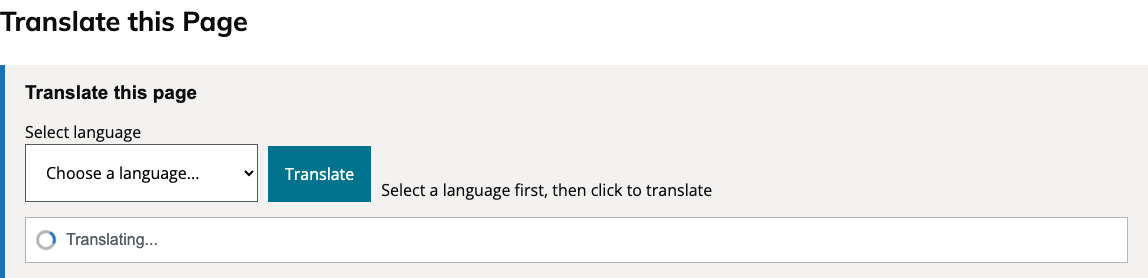
The "Translate this Page" widget appears at the top of content pages, including:
- Service pages - waste collection, planning, council tax, etc.
- Guide pages - step-by-step instructions and how-to content
- News articles - council announcements and updates
Navigate to any service, guide, or news page to see the translation widget in action.
Supported languages
The translation feature supports 76+ languages, including:
UK Priority Languages
- Welsh (Cymraeg)
- Scottish Gaelic (Gàidhlig)
- Irish (Gaeilge)
European Languages
- Polish, Romanian
- French, German, Spanish
- Portuguese, Italian
South Asian Languages
- Urdu, Punjabi, Bengali
- Gujarati, Hindi, Tamil
Other Languages
- Arabic, Chinese (Simplified)
- Japanese, Korean
- And 60+ more...
Try it yourself
-
Navigate to a content page
From your Drupal site, go to any news article, service page, or guide.
-
Find the Translate this Page widget
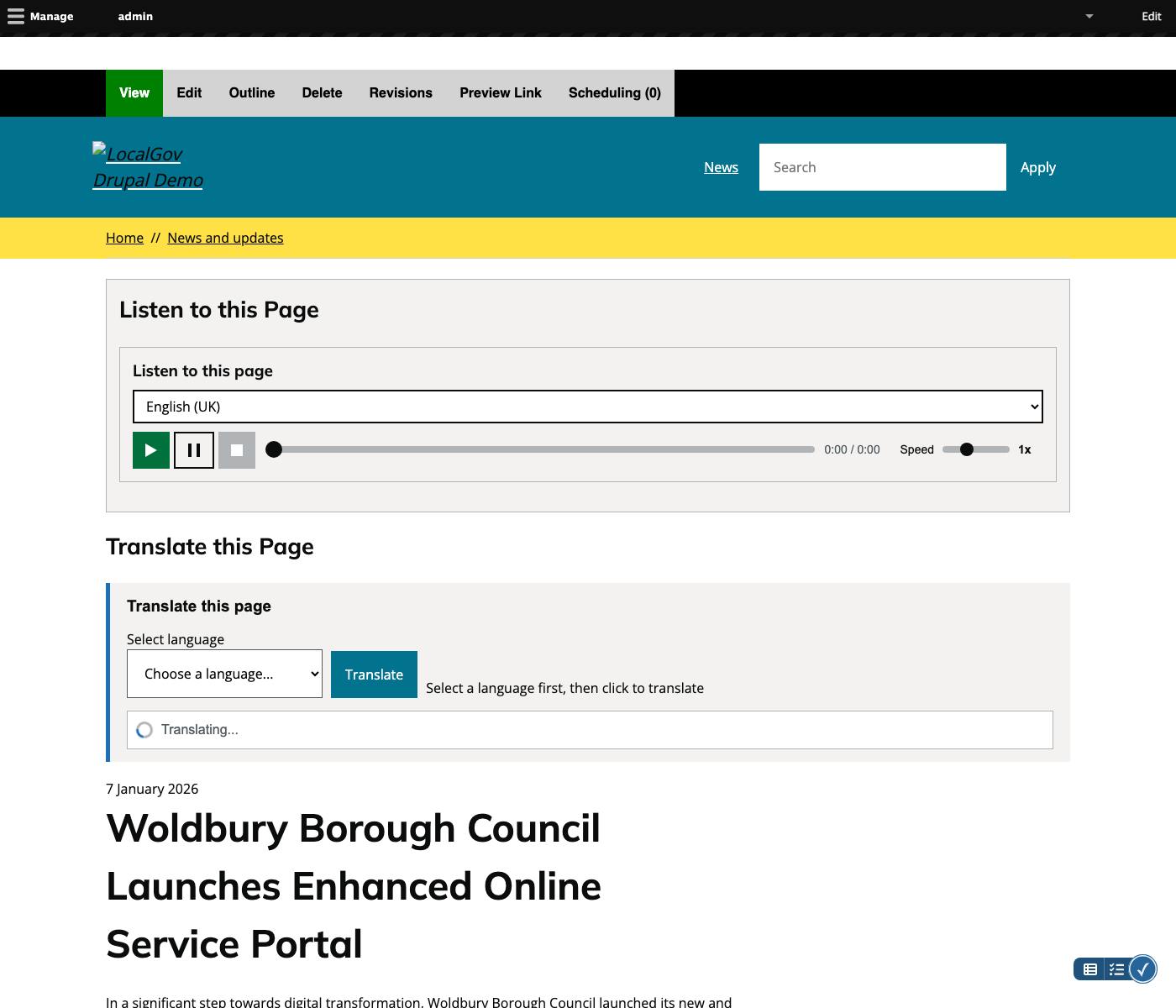
Look for the "Translate this Page" section at the top of the main content area, near the page title.
-
Select a language
Use the dropdown to choose your target language. Common UK languages appear first, followed by all available languages.
-
Click Translate
Press the "Translate" button. The page content will be replaced with the translated version within a few seconds.
-
View the translated page
A banner appears confirming the language. You can click "Show original" at any time to revert to English.
How it works
Behind the scenes, the Translate this Page feature:
- Extracts the main content from the page (preserving HTML structure)
- Automatically detects the source language (usually English)
- Sends the content to AWS Translate via a secure API
- Receives the translated content and replaces the page text
- Caches translations for faster repeat visits
AWS Translate
AWS Translate is a neural machine translation service that delivers fast, high-quality, affordable language translation. It uses deep learning models to continuously improve translation quality.
Accessibility benefits
Translation supports multiple user needs:
| User group | How translation helps |
|---|---|
| Non-English speakers | Access council services in their native language |
| Welsh speakers | Read content in Welsh as required by Welsh Language Act |
| New residents | Understand local services while learning English |
| Family helpers | Assist relatives who prefer another language |
| Tourists/visitors | Access local information in familiar language |
Remember your choice: Users can tick "Remember my choice" to have pages automatically translate to their preferred language on future visits.