Step 6: Understand the Architecture - FixMyStreet Walkthrough
Review the AWS infrastructure powering the FixMyStreet platform
Great! You've deployed the demo
Now let's walk through what you just deployed and see it in action.
Start WalkthroughChoose your next step
Generate Evidence Pack
Create your business case documentation with what you've learned.
Generate Evidence PackWalkthrough progress
Step 6 of 6 • 2 minutes
Understand the Architecture
Review the AWS services powering FixMyStreet. Understand how CloudFront, Fargate, Aurora PostgreSQL, and EFS work together to deliver a production-ready platform.
Expected outcome
- You understand which AWS services power each part of the platform
- You can explain the architecture to a technical colleague
- You understand the benefits of managed services for this workload
Architecture overview
The FixMyStreet deployment uses six AWS services working together. Open the CloudFormation console (opens in new tab) and click on your stack's "Resources" tab to see everything that was created.
Amazon CloudFront
Role: HTTPS termination and content delivery
CloudFront provides the HTTPS endpoint that citizens access. It caches static assets (CSS, JavaScript, images) at edge locations for fast loading, and forwards dynamic requests to the Application Load Balancer.
Why it matters: Citizens get fast page loads and secure connections without configuring SSL certificates or a CDN separately.
Application Load Balancer
Role: Traffic distribution and health checks
The ALB routes incoming requests from CloudFront to healthy Fargate containers. It performs regular health checks and automatically removes unhealthy containers from the rotation.
Why it matters: High availability without manual intervention. If a container fails, traffic is automatically routed to healthy ones.
AWS Fargate (ECS)
Role: Running the FixMyStreet application
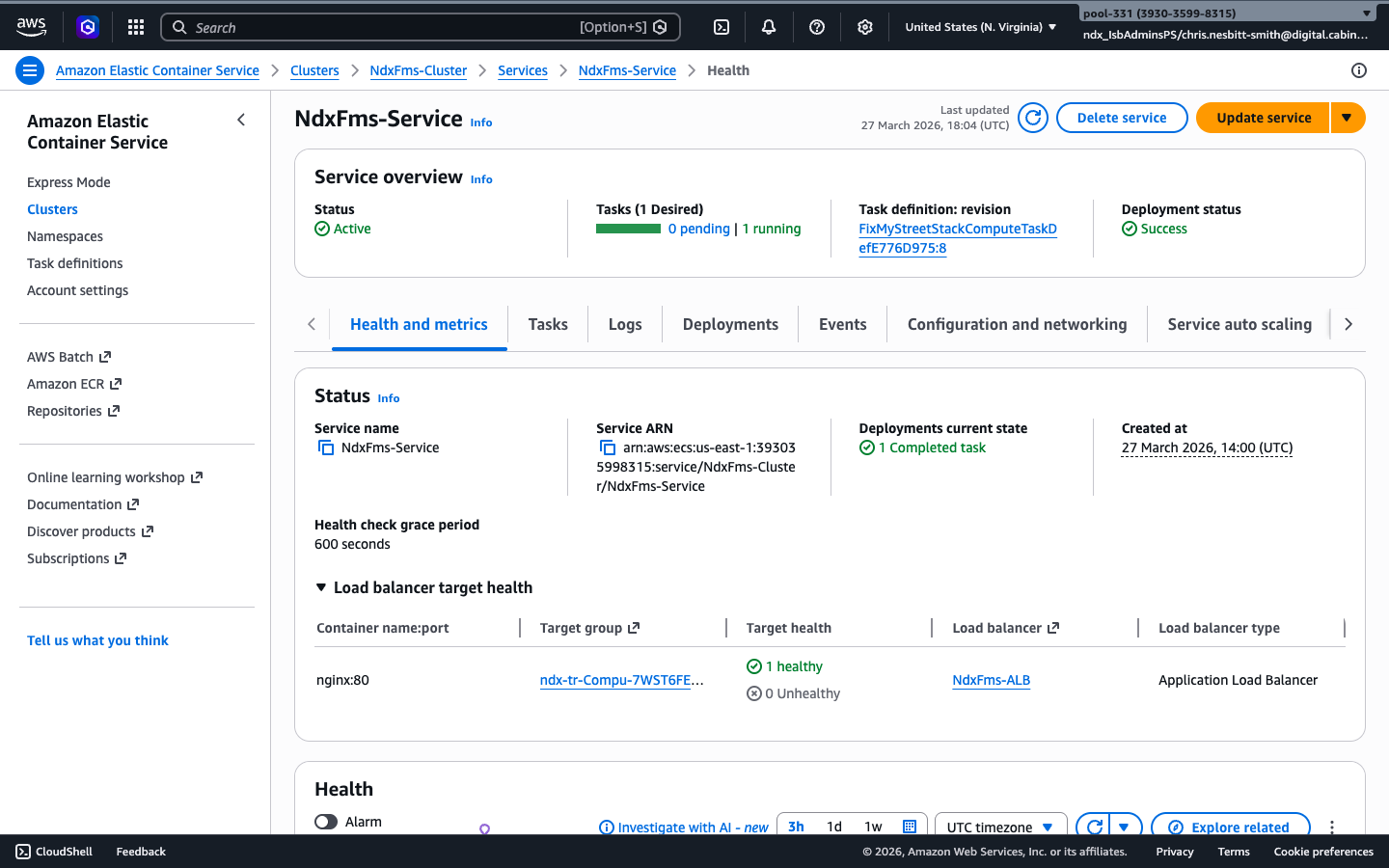
Three Fargate containers run the FixMyStreet Perl application. Fargate manages the underlying compute — no EC2 instances to patch or maintain. The containers include the web server, application code, and cron jobs for scheduled tasks.
Why it matters: No servers to manage. Containers start in seconds, scale automatically, and you only pay for the compute time used.
Amazon Aurora PostgreSQL
Role: Database with PostGIS geospatial support
Aurora PostgreSQL stores all reports, users, and configuration data. The PostGIS extension enables geospatial queries — finding reports near a location, calculating distances, and powering the map views that are central to FixMyStreet.
Why it matters: Managed database with automatic backups, patching, and failover. PostGIS enables the spatial features that make FixMyStreet effective.
Amazon EFS
Role: Shared file storage for photos and uploads
EFS provides a shared file system that all Fargate containers can access simultaneously. When citizens upload photos with their reports, the images are stored on EFS so any container can serve them.
Why it matters: Persistent storage that survives container restarts and scales automatically. No need to manage disk volumes.
ElastiCache (Memcached)
Role: In-memory caching for performance
Memcached caches frequently accessed data like report listings, map tile queries, and session data. This reduces database load and speeds up page rendering, especially for popular map views with many reports.
Why it matters: Fast response times even under heavy load. Caching is critical for a public-facing service where hundreds of residents may be browsing the map simultaneously.
How the components connect
The request flow for a citizen viewing the map works like this:
- Citizen's browser makes an HTTPS request to the CloudFront URL
- CloudFront serves cached static assets directly, and forwards dynamic requests to the ALB
- ALB routes the request to one of the three healthy Fargate containers
- Fargate container checks Memcached for cached data; if not cached, queries Aurora PostgreSQL
- Aurora PostgreSQL runs a PostGIS spatial query to find nearby reports
- Response flows back through ALB and CloudFront to the citizen's browser
Production considerations
| Feature | Demo | Production |
|---|---|---|
| Domain | CloudFront URL | fixmystreet.yourcouncil.gov.uk |
| Database | Aurora single instance | Aurora multi-AZ with read replicas |
| Containers | 3 Fargate tasks | Auto-scaling based on traffic |
| Disabled in sandbox | Amazon SES for citizen notifications | |
| Monitoring | CloudWatch Logs | CloudWatch dashboards, alarms, and X-Ray tracing |
| Backups | Aurora automatic | Cross-region backups, point-in-time recovery |
Good news: The core architecture you have just explored is production-ready. Moving to production primarily involves adding a custom domain, enabling email notifications, and configuring auto-scaling — all configuration, not redevelopment.