Step 2: Explore the Citizen View - FixMyStreet Walkthrough
Browse the map, search by postcode, and view existing reports
Great! You've deployed the demo
Now let's walk through what you just deployed and see it in action.
Start WalkthroughChoose your next step
Generate Evidence Pack
Create your business case documentation with what you've learned.
Generate Evidence PackWalkthrough progress
Step 2 of 6 • 3 minutes
Explore the Citizen View
See FixMyStreet from a resident's perspective. Search by postcode, browse the map, and read existing reports with citizen comments.
Expected outcome
- Map view loads showing pins for existing reports in Camden
- You can click on a report pin and see its full details
- You understand how citizens browse and discover problems in their area
Search by postcode
-
Go to the FixMyStreet homepage
Open the FixMyStreet URL from Step 1 in your browser.
-
Enter a Camden postcode
Type
NW1 8QEinto the search box and press Enter. This is a central Camden postcode near Euston.Other postcodes to try:
WC1H 9JQ(King's Cross),NW3 2PP(Hampstead), orWC1E 6BT(Bloomsbury).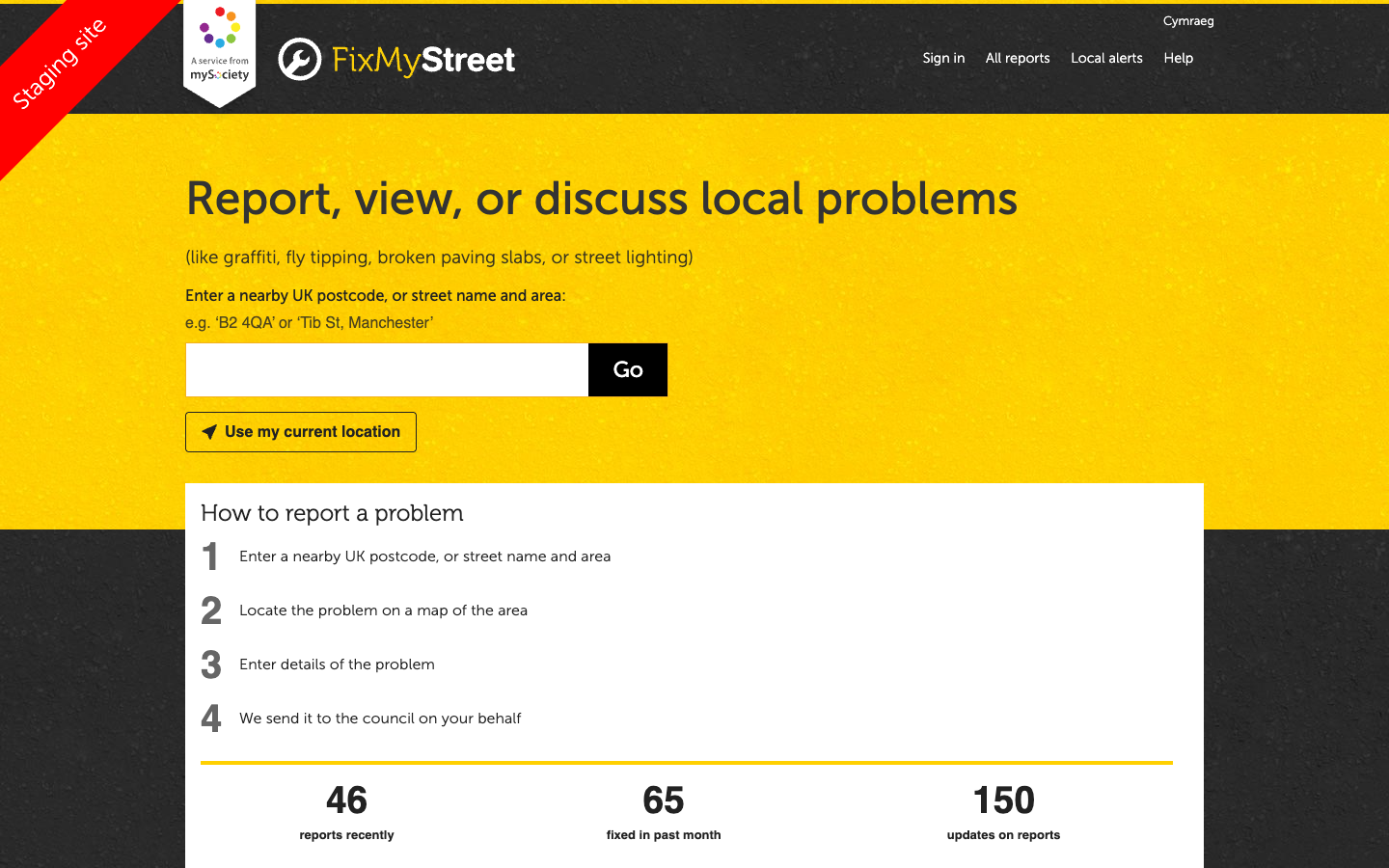
The FixMyStreet homepage with postcode search and live statistics -
Browse the map
You will see an OpenStreetMap view centred on your postcode. Coloured pins mark existing reports. The demo includes 260 reports spread across Camden.
- Green pins are fixed or resolved reports
- Red/yellow pins are open or in progress
- Zoom in and out to see more or fewer reports
- Pan around the map to explore different areas
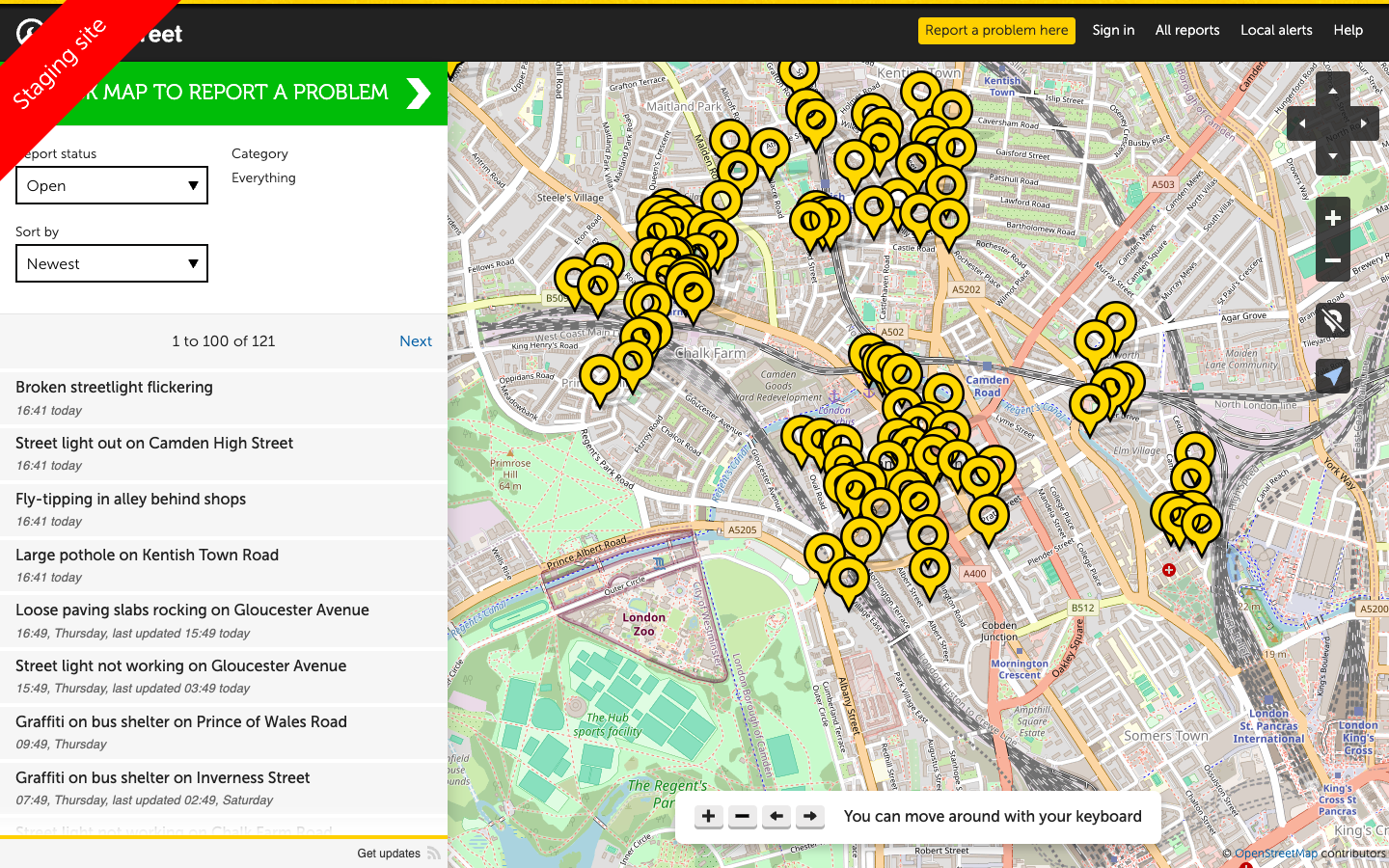
The map view with report pins across Camden — zoom and pan to explore different areas -
Click on a report pin
Click any pin on the map to see a summary. Then click the report title to open the full details page.
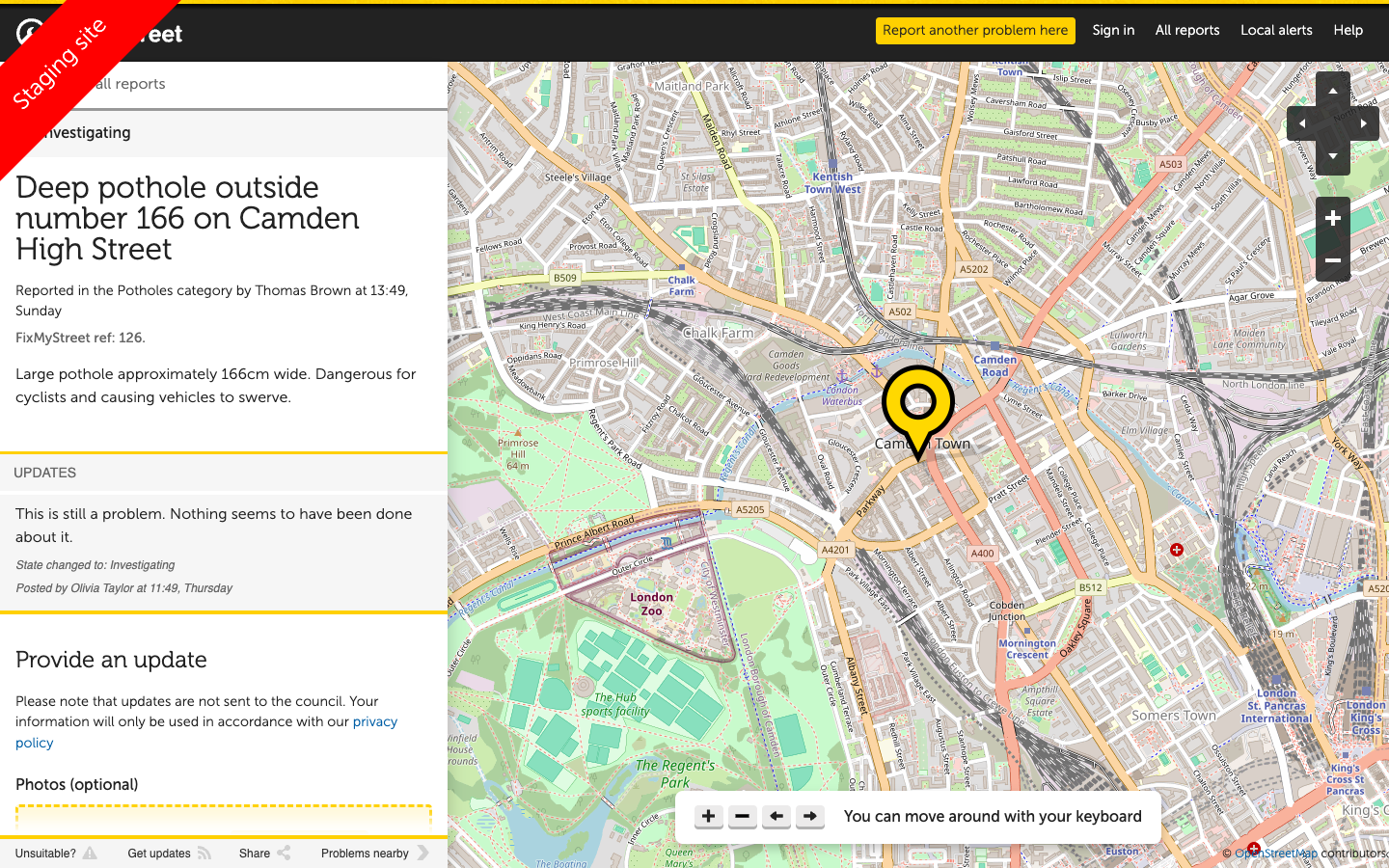
A report detail page with title, description, location, and citizen updates
What to notice on a report page
When you open a report, look for these elements:
Report details
- Title and description of the problem
- Category (Potholes, Street Lighting, etc.)
- Exact location on a map
- Date reported and current status
Citizen interaction
- Updates from the citizen who reported it
- Council responses and status changes
- Other residents confirming the problem
- Photo evidence where provided
What to notice: The demo data includes realistic report lifecycle — from initial report through council acknowledgement to resolution. Some reports have multiple updates showing the conversation between citizen and council.
Troubleshooting: Map not loading or no pins showing
If the map is blank or no pins appear:
- Check your browser allows JavaScript — the map requires it
- Try a different Camden postcode (the demo data is concentrated in Camden)
- Zoom out to see a wider area — pins may be outside the current view
- Refresh the page if the map tiles fail to load
Troubleshooting: Postcode not found
If you get a "postcode not found" error:
- Make sure you are entering a valid UK postcode
- The demo is configured for the Camden area — use London postcodes starting with NW, WC, or N
- Try entering just the first part of the postcode (e.g.,
NW1)