Your AWS account doesn't have permission to create these resources.
What to try:
- Check you're logged into the correct AWS account
- Verify your NDX:Try session has CloudFormation permissions
- Contact your AWS administrator if permissions are restricted
Deploy the PlanX digital planning platform — the open-source tool used by 18+ UK councils to create digital planning application flows. Service designers build flows in the editor, and citizens use them to submit planning applications.
Now let's walk through what you just deployed and see it in action.
Start WalkthroughCreate your business case documentation with what you've learned.
Generate Evidence PackIntermediate
Create digital planning application flows with the open-source platform used by 18+ UK councils
Deploy the PlanX digital planning platform — the open-source tool by Open Systems Lab used by 18+ UK councils including Lambeth, Southwark, Camden, and Buckinghamshire. Service designers build planning application flows in a visual editor, and citizens use them to submit structured, machine-readable planning applications.
Amazon ECS Amazon Aurora Amazon S3 Amazon CloudFront Elastic Load Balancing
This scenario is built with open source code. You can view, learn from, and adapt it for your own needs.
CDK infrastructure for PlanX deployment on AWS with ECS Fargate, Aurora PostgreSQL, Hasura GraphQL, and CloudFront
Experience this scenario step-by-step with our guided walkthrough. No deployment required - see the actual screens and functionality.
Takes approximately 15 to 20 minutes
See key screens from PlanX Digital Planning without deploying. Each screenshot shows exactly what you'll experience.
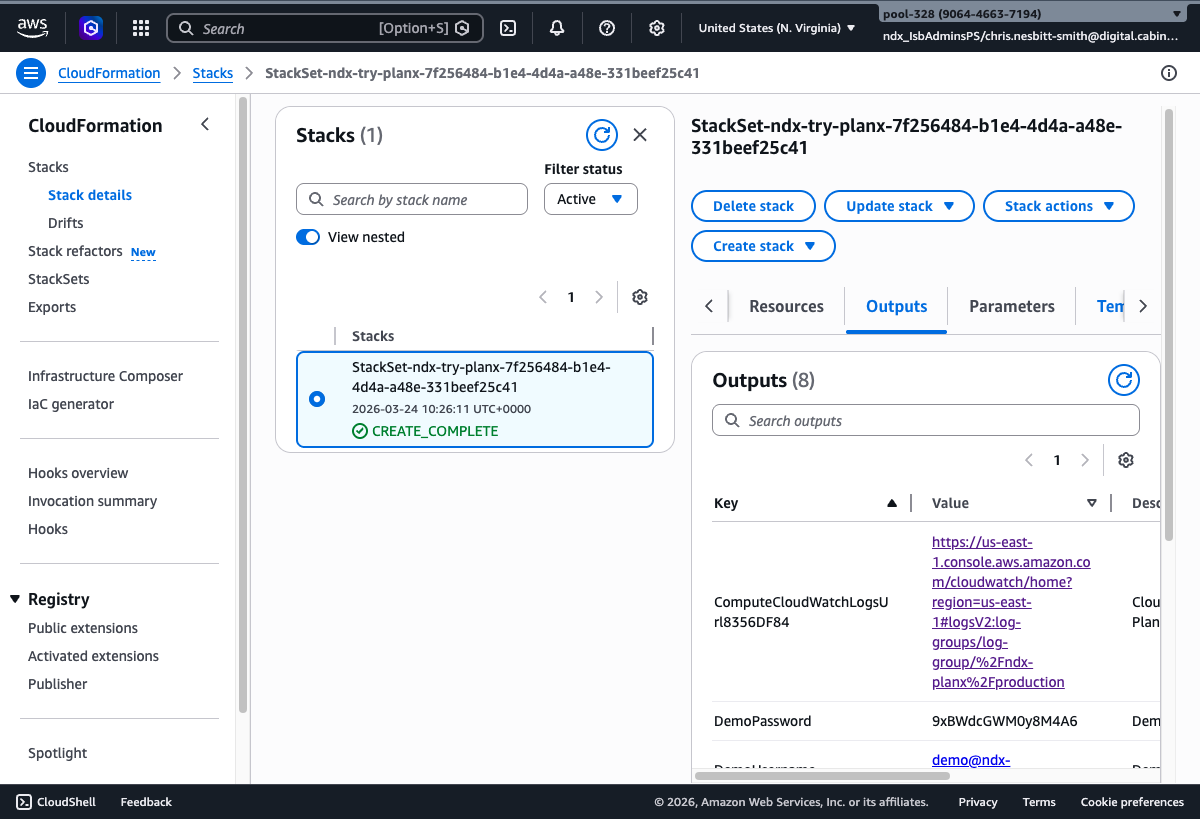
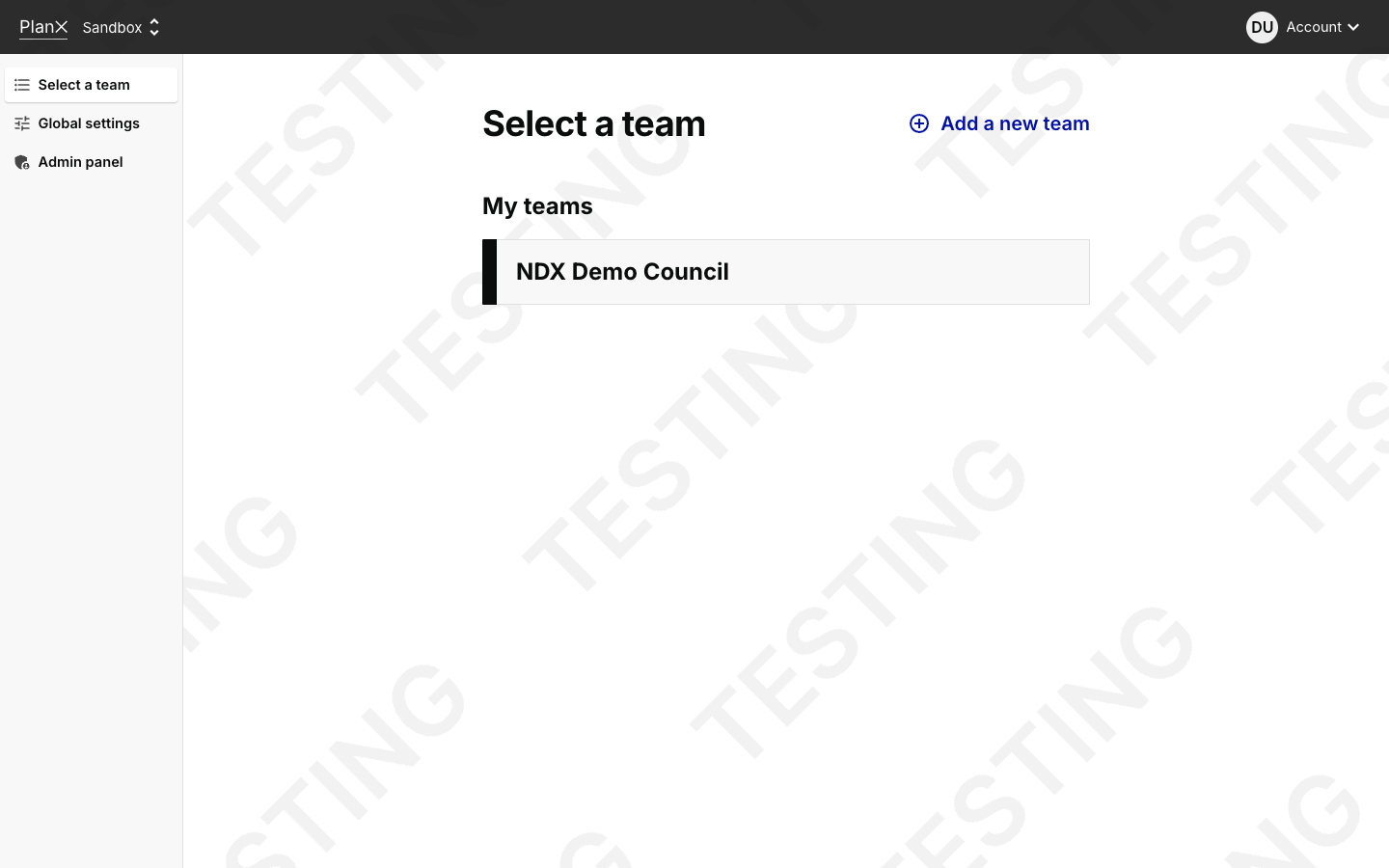
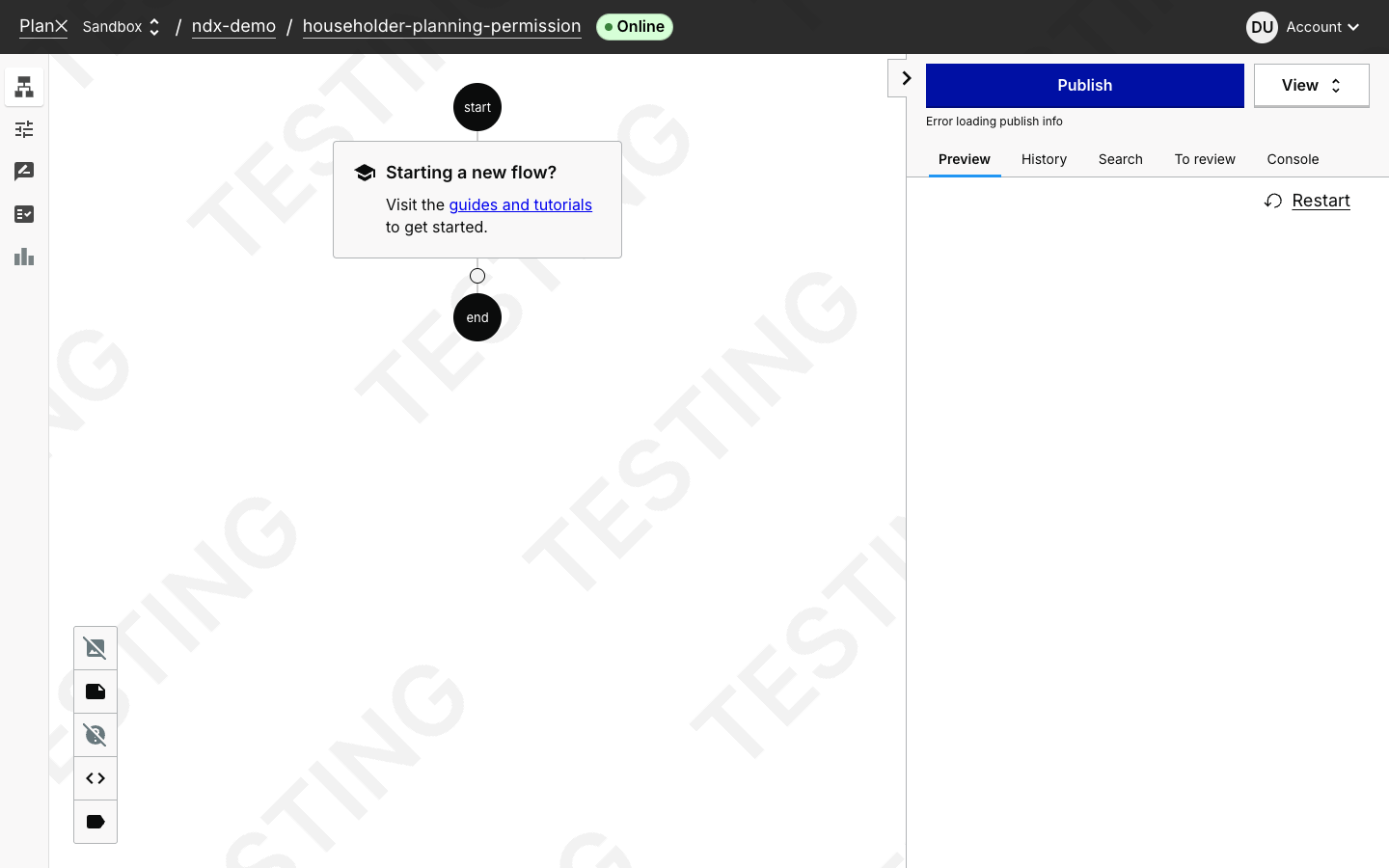
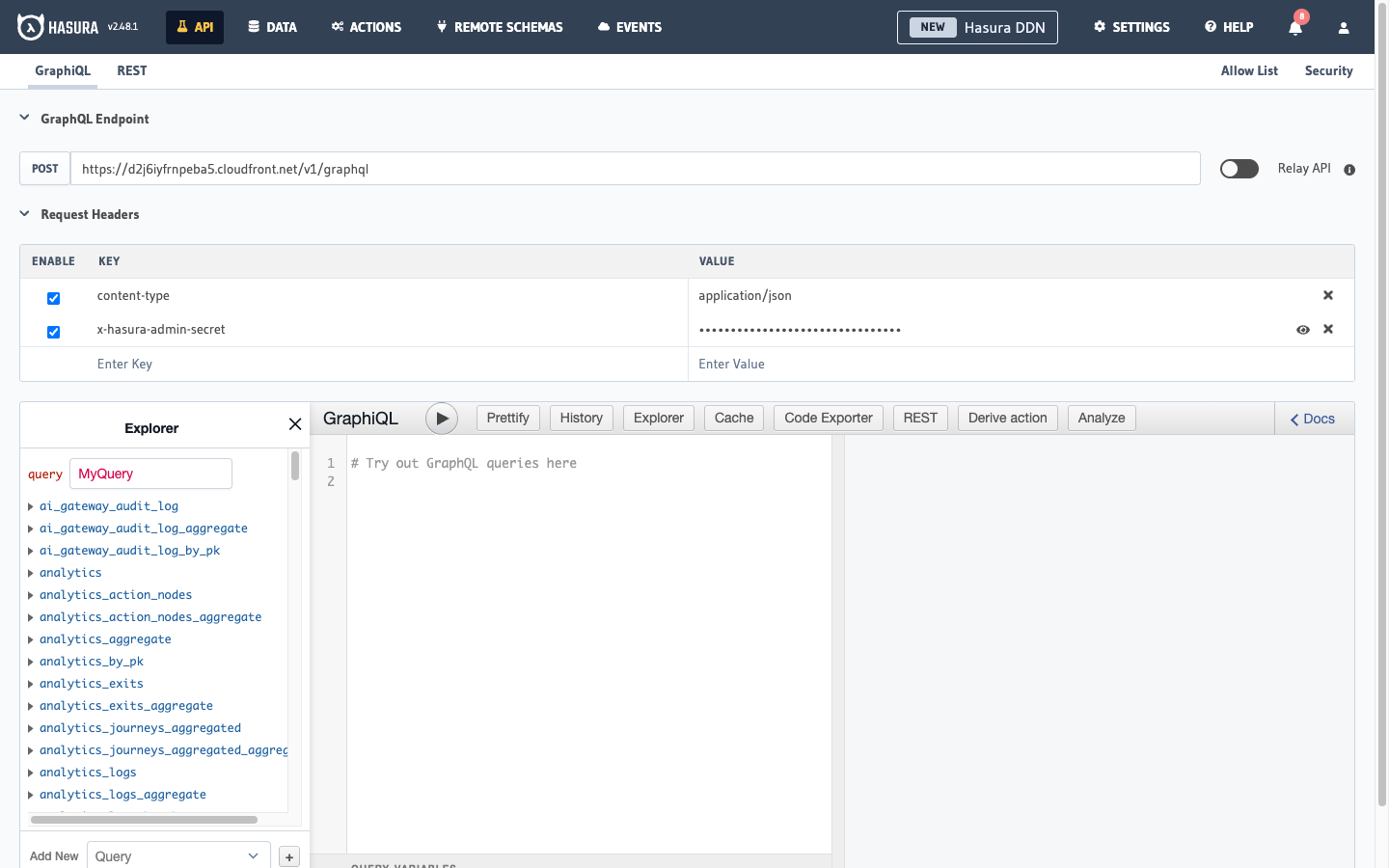
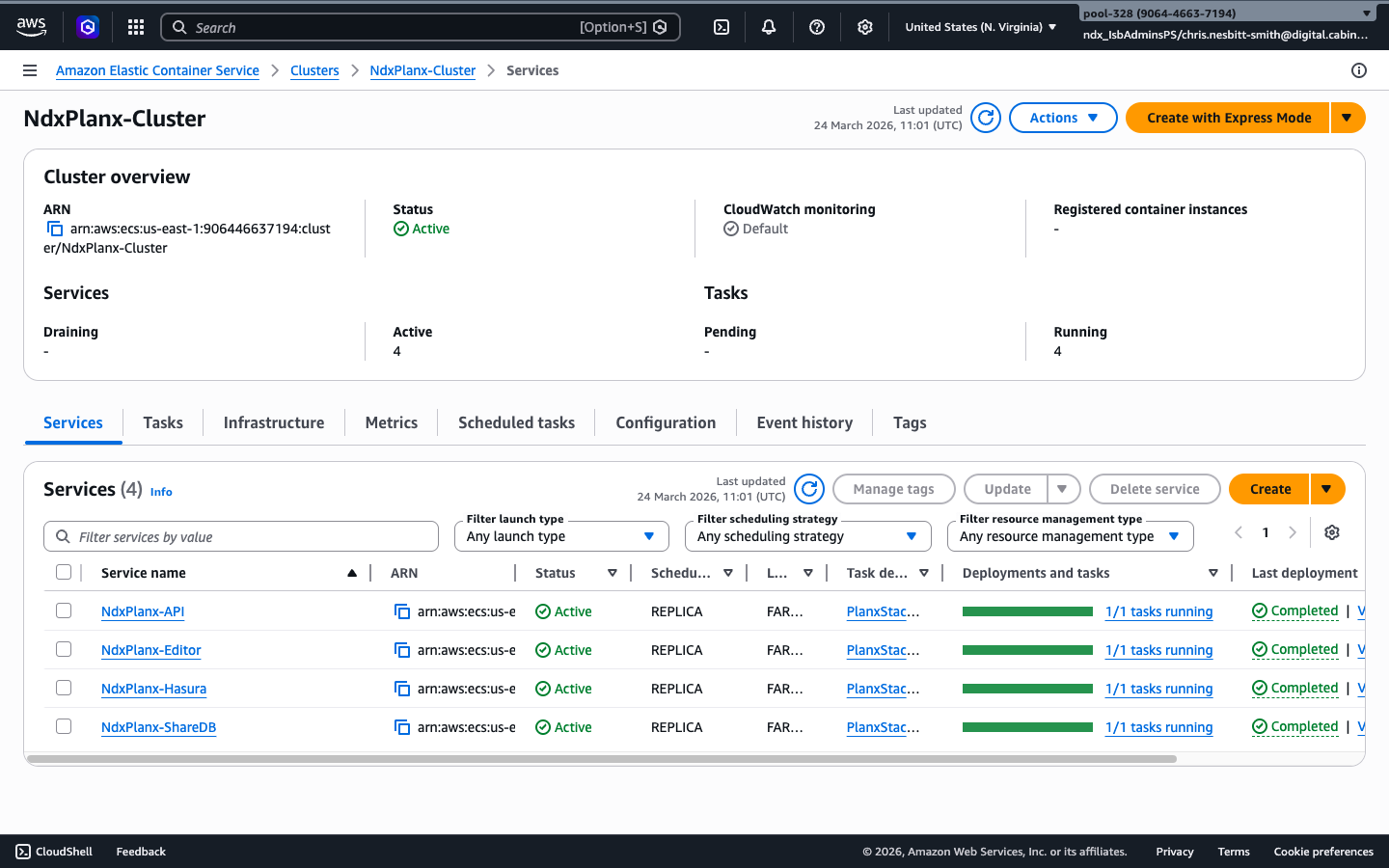
These screenshots capture the complete evaluation journey:
To try this scenario, request a session through the NDX:Try portal. Sessions are free for UK public sector organisations.
Opens the NDX:Try catalogue (requires login)
After requesting a session via the NDX:Try portal, you can monitor your deployment in two ways:
View your active sessions and their status on the NDX portal:
Your session will show as Active when deployment is complete.
For detailed deployment progress, access your AWS account via IAM Identity Center:
ndx_IsbUsersPS roleCREATE_IN_PROGRESSCREATE_COMPLETEROLLBACK_IN_PROGRESSDELETE_COMPLETEWhen your session is provisioned, CloudFormation creates these resources:
Estimated time: 10 to 15 minutes
When your NDX:Try session shows as Active, your resources are ready to use.
Follow the walkthrough guide to explore your scenario:
NDX:Try sessions typically last 24 hours. After this time, resources are automatically removed.
Check your session expiry time on the NDX:Try portal.
Your AWS account doesn't have permission to create these resources.
What to try:
An S3 bucket with this name already exists. Please try again with a different stack name.
What to try:
Your AWS account has reached a service limit.
What to try:
You're not logged into AWS Console.
What to try:
The deployment is configured for a different AWS region.
What to try:
A resource with this name already exists in your account.
What to try:
Your AWS account has reached a service limit.
What to try:
Your network may be blocking access to AWS services.
What to try:
There's an issue with the CloudFormation template.
What to try:
There's a configuration issue with the template.
What to try:
Amazon Bedrock access hasn't been enabled in your account.
What to try:
There's an issue with the VPC or network configuration.
What to try:
Lambda function code could not be found.
What to try:
Your AWS session has expired.
What to try:
Additional permissions are required for this deployment.
What to try:
Still having problems?
If you encounter an error not listed here, please contact us with:
These scenarios use similar AWS services or address related local government needs: